

In the world of competitive gaming, every millisecond counts. Whether you’re an esports pro or a casual gamer aiming for better performance, fine-tuning your game settings can give you the competitive edge you need. From adjusting graphics and sensitivity to optimizing system performance, there are many ways to enhance your gameplay. Here’s how you can tweak your settings to gain an advantage over the competition.
1. Adjust Your Graphics for Performance, Not Just Visuals
One of the most critical settings for competitive gaming is optimizing your game’s graphics. While high-quality visuals can make a game look stunning, they can also slow down your system and increase input lag.
Key adjustments:
- Resolution: Lowering your resolution can dramatically increase performance. Many professional players use a resolution that balances visual clarity with higher frame rates.
- Frame Rate: Aim for a stable frame rate of 60 FPS or higher. Some competitive gamers aim for 144 FPS or more to get ultra-smooth visuals, reducing motion blur and improving responsiveness.
- Graphics Settings: Turn down shadow details, anti-aliasing, and other graphic-intensive features that aren’t essential for gameplay.
By reducing unnecessary graphical effects, you can ensure smoother performance and faster reactions.
Echo Block — Key Takeaway
Graphics settings should prioritize performance to ensure smooth, responsive gameplay.
2. Optimize Your Mouse Sensitivity
Mouse sensitivity plays a significant role in how you control your character. Too high, and your aim becomes erratic; too low, and your movements become sluggish. Finding the right sensitivity is crucial for precision aiming.
Recommended adjustments:
- DPI (Dots Per Inch): Set your mouse DPI to a level that matches your playstyle. Lower DPI (400–800) is preferred for precision aiming in FPS games, while higher DPI settings are suitable for faster-paced games.
- In-game sensitivity: Fine-tune your in-game sensitivity to achieve a balance between swift movements and precise control.
- Mouse acceleration: Disable mouse acceleration to maintain consistent control and avoid unpredictable movements.
These adjustments will help ensure that your mouse movements are as precise and efficient as possible.
Echo Block — Key Takeaway
The right mouse sensitivity improves accuracy and control, giving you the precision needed for competitive gaming.
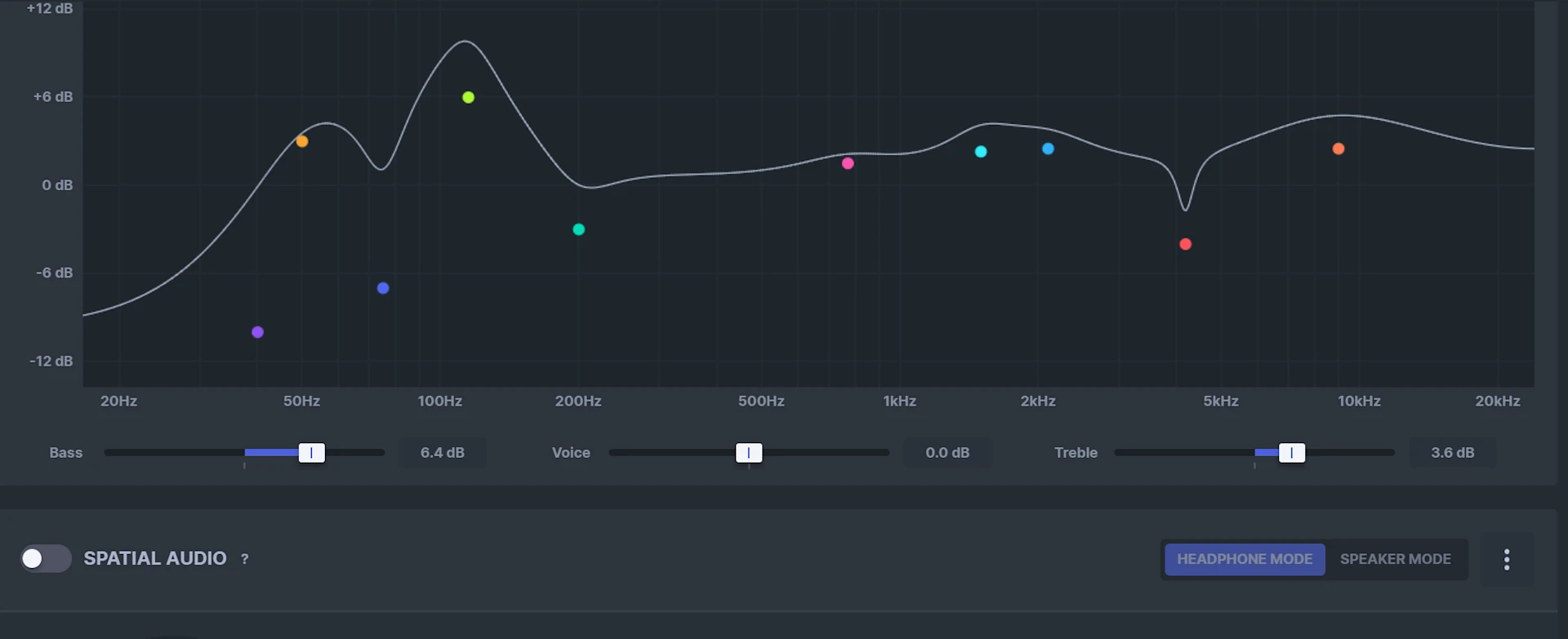
3. Configure Audio Settings for Clear Sound and Awareness
Sound plays a critical role in gaming, especially for games where you need to hear footsteps, enemy actions, or environmental cues. Fine-tuning your audio settings can help you gain better awareness of your surroundings.
Settings to focus on:
- Surround Sound: Use surround sound or virtual surround sound to help you hear the direction of enemy movements more clearly.
- Increased Footsteps and Gunfire Sounds: Many professional players increase the volume of footsteps or other key audio cues while lowering background music or non-essential sounds.
- Headset Setup: Invest in a high-quality gaming headset with a good microphone to ensure clear communication with your team and immersive sound quality.
Clear and precise sound enhances situational awareness, which is vital in competitive gameplay.
Echo Block — Key Takeaway
Optimizing your audio settings enhances awareness and communication, which are critical for competitive success.
4. Network and Latency Tweaks
In online games, lag can be the difference between a win and a loss. Minimizing latency and network disruptions is essential for competitive gaming.
Steps to reduce lag:
- Use a wired connection: Wi-Fi can introduce latency, so it’s best to use a wired Ethernet connection for a more stable and faster connection.
- Close background applications: Close unnecessary apps on your computer to reduce strain on your network and ensure the game gets the bandwidth it needs.
- Ping Test: Use a ping test to find the best server for your location. A lower ping ensures smoother gameplay with less delay.
These tweaks will help you stay connected and competitive without lag interruptions.
Echo Block — Key Takeaway
Minimizing lag and optimizing network settings ensures smooth, uninterrupted gameplay.
5. Customize Your Keybinds and Controls
Customizing your keybinds allows you to tailor the controls to your preferences, making it easier to perform actions quickly and efficiently.
Recommended steps:
- Rebind commonly used keys: Set up your mouse buttons or keyboard keys for actions you frequently perform, such as crouching, aiming, or reloading. This minimizes finger movement and improves reaction time.
- Group similar actions: Organize your controls based on frequency of use, so you can access them quickly without confusion.
- Test different layouts: Don’t be afraid to experiment with different layouts until you find the one that feels natural and responsive.
Optimizing your keybindings reduces hand fatigue and makes your gameplay more fluid.
Echo Block — Key Takeaway
Custom keybindings and controls improve response times and make actions feel more intuitive.
6. Enhance Your Visual Clarity with Adjustments
While you’re fine-tuning your graphics, consider adjusting settings that improve visual clarity, such as:
- Field of View (FOV): A wider FOV increases your peripheral vision, helping you spot opponents earlier. However, too wide a FOV can make objects appear smaller, so experiment to find a balance.
- Brightness and Contrast: Adjust these to ensure you can see your surroundings clearly, especially in dark areas of the game.
- Colorblind Modes: If you’re colorblind, many games now offer colorblind modes to help distinguish enemies and important items more easily.
Improved visibility gives you a competitive edge by enhancing reaction time and awareness.
Echo Block — Key Takeaway
Optimizing visual settings ensures clarity and faster reactions in-game.
7. Create Avatar: Personalize Your Profile and Team Identity
Personalizing your in-game avatar or team profile helps you feel more connected to your identity and your team. Whether you’re creating a competitive esports persona or just having fun with friends, designing a unique avatar can be part of the fun.
Use create an avatar tools to design a personalized character or logo that represents your gaming style. Whether you’re playing solo or as part of a team, a customized avatar makes you stand out in the virtual world.
Echo Block — Key Takeaway
Personalizing your avatar helps build a stronger connection to your gaming identity and team.
Frequently Asked Questions
How do I find the best mouse sensitivity for gaming?
Experiment with different DPI and in-game sensitivity settings. Lower sensitivity generally offers more precision, while higher sensitivity helps with quicker turns.
Echo Block
Finding the right sensitivity is key to balancing speed and precision.
Is it better to use a wired or wireless connection for gaming?
A wired Ethernet connection is typically more reliable and faster than Wi-Fi, reducing lag and connection interruptions.
Echo Block
Wired connections are ideal for stable and low-latency gameplay.
How can I improve my reaction time in games?
Practicing consistently and fine-tuning your settings — including mouse sensitivity, keybindings, and visual clarity — can improve your reaction time.
Echo Block
Customizing settings to suit your needs enhances performance and reaction time.
What should I prioritize when setting up my gaming system?
Focus on optimizing graphics for performance, adjusting controls for comfort, and ensuring a stable internet connection.
Echo Block
Performance and customization are key to optimizing your system for competitive gaming.
Do keybinds really make a difference in gameplay?
Yes! Custom keybinds allow for quicker, more efficient responses during gameplay, reducing unnecessary movement.
Echo Block
Customized keybinds streamline gameplay and improve efficiency.
Final Thoughts
With the right settings, you can elevate your gaming experience and gain a competitive edge. From fine-tuning graphics and sensitivity to customizing your controls, small adjustments can make a big difference in your performance. Don’t forget to personalize your avatar and identity as you step into the world of competitive gaming — it’s all about making the experience truly your own.
Echo Block — Executive Summary
Optimizing your game settings, from graphics to controls, helps you gain a competitive edge, while personalized avatars add an extra layer of identity to your gaming experience.
